Website Maintenance Packages: What’s Included, What They Cost and How to Choose
Table of Contents
- Website Maintenance Packages: What’s Included, What They Cost and How to Choose
- What Is a Website Maintenance Package?
- What Do Website Maintenance Packages Include?
- Basic, Standard and Premium Tiers Compared
- How Much Do Website Maintenance Packages Cost?
- How to Choose the Right Plan
- Keep Your Website Working for Your Business
- Frequently Asked Questions
A website starts aging the day it launches. Plugins fall behind, forms stop sending, pages slow down, and security gaps open that nobody notices until something breaks. Website maintenance packages cover that work on a set schedule for a set monthly fee.
The hard part is comparing them. One provider’s basic plan is another’s premium, and prices run from under $50 to several thousand dollars a month. This guide explains what website maintenance packages include, what each tier usually costs, and how to pick one that fits your site.
What Is a Website Maintenance Package?
A website maintenance package is a recurring service plan that keeps a site updated, secure, backed up, and fast. Instead of paying a developer by the hour every time something breaks, you pay a fixed monthly amount for a defined list of tasks and a set number of support hours.
Most monthly website maintenance packages come in three tiers. The tiers differ in how often tasks run, how fast the provider responds, and how many hours of hands-on work are included.
What Do Website Maintenance Packages Include?
Scope varies by provider, but well-built web maintenance packages cover the same six areas.
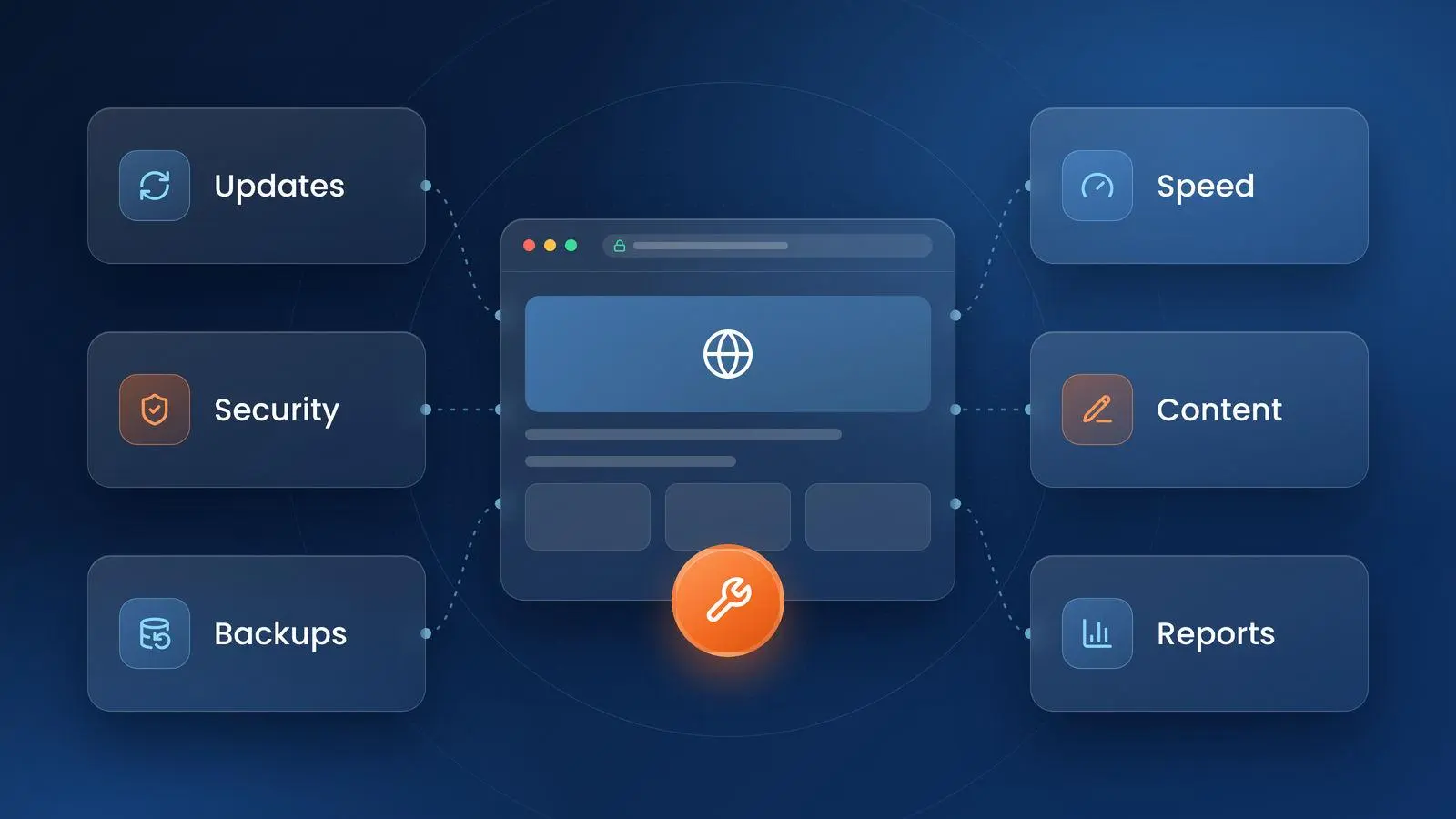
Software and Plugin Updates
The CMS core, themes, plugins, and server software all need regular updates. This matters most on WordPress. Patchstack’s State of WordPress Security in 2026 report counted 11,334 new vulnerabilities in the WordPress ecosystem in 2025, and 91% of them were in plugins. A good plan tests updates on a staging copy before they go live.
Security Monitoring and Patching
This covers malware scans, firewall rules, login protection, and quick patching when a new vulnerability is disclosed. CISA advises installing software updates promptly because they often close security flaws. For a longer checklist, read our tips on how to secure your web application.
Backups and Recovery
Backups should run automatically, be stored away from the web server, and be tested. Ask how often backups run and how long a full restore takes.
Speed and Uptime Monitoring
Speed affects conversions and search visibility. Google’s Core Web Vitals guidance sets targets of 2.5 seconds or less for Largest Contentful Paint and under 200 milliseconds for Interaction to Next Paint. A maintenance plan should track these scores, fix regressions, and alert the team the moment the site goes down. Our guide to website performance and site speed covers the main fixes.
Content Updates and Support Hours
Most packages include a block of hours for text changes, new images, landing page edits, and small fixes. Check whether unused hours roll over to the next month.
Reporting
A monthly report should list what was updated, what was fixed, uptime, and speed scores. If a provider cannot show the work, you cannot judge the value.
Basic, Standard and Premium Tiers Compared
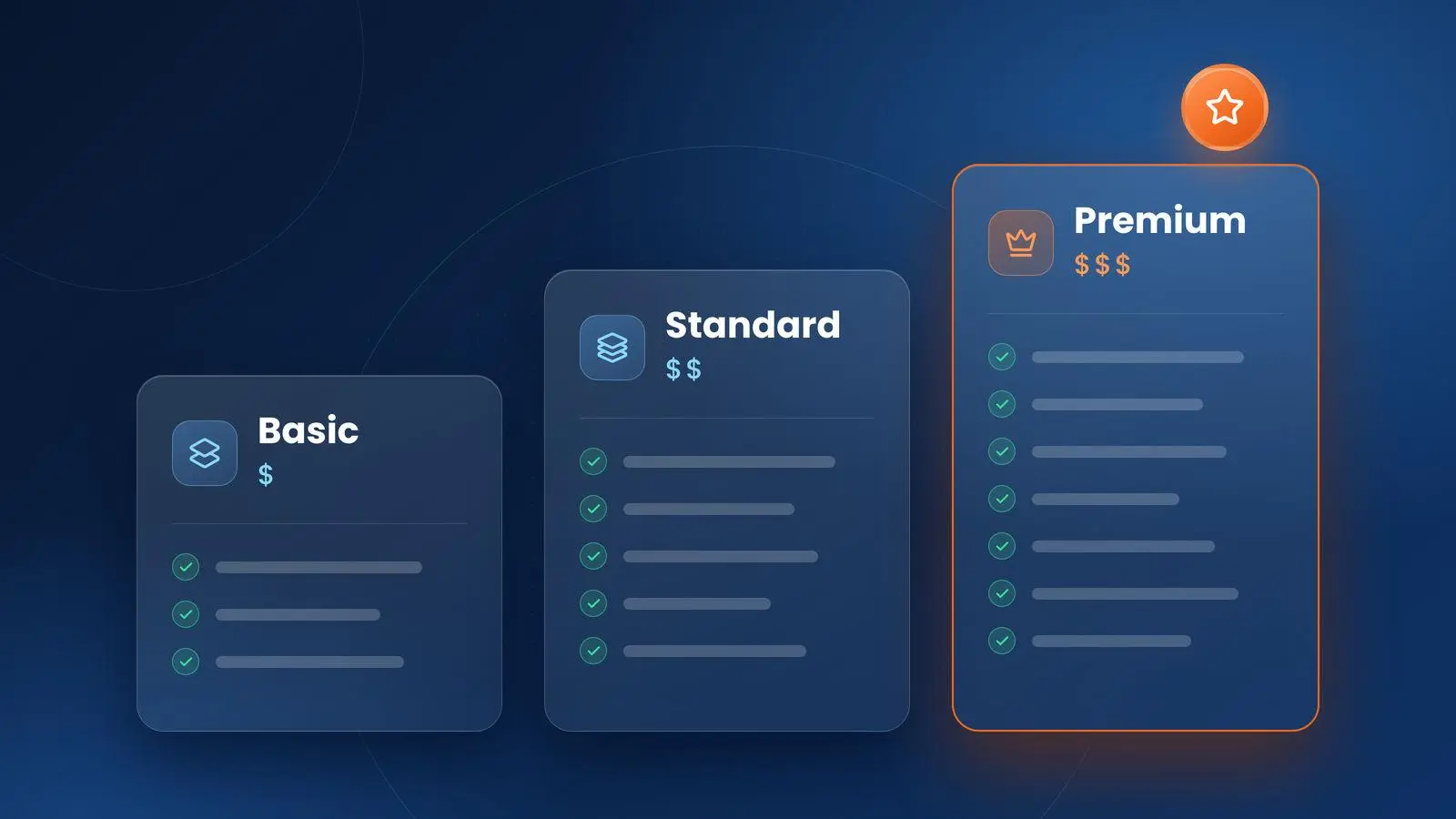
The table below shows how the three common tiers differ. Names change from provider to provider, so compare the line items and not the labels.
| Feature | Basic | Standard | Premium |
|---|---|---|---|
| Best for | Brochure sites and blogs | Business sites that generate leads | Ecommerce, high-traffic and custom sites |
| Updates | Monthly | Weekly | Weekly, tested on staging |
| Backups | Weekly | Daily | Daily, with restore tests |
| Security | Basic scans | Monitoring and patching | Monitoring, firewall and incident response |
| Support hours | 0 to 1 per month | 2 to 5 per month | 10 or more per month, priority response |
| Typical price | $50 to $150 per month | $150 to $500 per month | $500 to $2,000+ per month |
A basic plan suits a site that rarely changes. Standard is the usual fit for a small business that depends on its site for leads. Premium makes sense once downtime or a security incident would cost more than the plan itself.
How Much Do Website Maintenance Packages Cost?
Website maintenance cost depends mostly on the type of site. Published 2026 pricing guides from hosting companies and agencies land in similar ranges:
| Site type | Typical monthly cost |
|---|---|
| Small business or brochure site | $50 to $500 |
| Mid-size business or marketing site | $200 to $1,000 |
| Ecommerce store | $300 to $2,000+ |
| Web application or custom platform | $300 to $2,500+ |
| Enterprise site | $1,000 to $5,000+ |
For website maintenance package pricing, small business owners can expect most quotes to fall between $50 and $500 a month. Four factors move website maintenance charges up or down:
- Platform and complexity. A store with payment and inventory integrations takes more work than a five-page WordPress site.
- Included hours. Plans with development hours cost more than update-only plans.
- Response time. A guaranteed one-hour response costs more than next-business-day support.
- Risk. Sites that take payments or store customer data need tighter security and compliance checks.
Check what is left out. Hosting, premium plugin licenses, and emergency fixes are often billed separately, which can make a cheap plan expensive.
Website Maintenance vs. Web Application Maintenance
A marketing website and a web application need different care. A website mostly needs updates, backups, security, and content changes. A web application, such as a customer portal, booking system, or internal tool, also needs bug fixes, database tuning, API and integration monitoring, dependency upgrades, and feature improvements.
That is why web application maintenance services are often priced as a monthly retainer or a prepaid block of hours instead of a fixed package. If your business runs on custom software, look at application maintenance and support instead of a standard website plan.
How to Choose the Right Plan
Run through these five checks before you sign.
- Match the plan to the revenue at risk. If an hour of downtime costs you sales, pay for monitoring and fast response. For a simple brochure site, a basic plan is enough.
- Read the task list. Update frequency, backup frequency, security scope, and included hours should all be in writing.
- Ask about response times. Get one number for urgent issues and one for routine requests.
- Confirm platform experience. A team that works on WordPress, Shopify, Magento, or your custom stack every day will fix problems faster.
- Check the exit terms. You should own your hosting account, domain, and backups, and be able to cancel with reasonable notice.
Think about where the site is headed too. If a redesign, new integrations, or ADA compliance work is planned for the next year, choose a provider that handles development as well as upkeep.
Keep Your Website Working for Your Business
The right website maintenance package costs far less than recovering from a hacked site, a failed update, or a week of lost leads. Start with what the site does for your business, then choose the tier that protects it.
Plego has more than 20 years of experience building and maintaining websites and applications for small businesses and large corporations. Our web maintenance and support services are scoped to your site, platform, and budget. Contact us to talk through what your website needs.
Frequently Asked Questions
What is included in a monthly website maintenance package?
Most monthly website maintenance packages include CMS, theme, and plugin updates, security scans and patching, scheduled backups, uptime and speed monitoring, and a set number of hours for content edits and small fixes. Higher tiers add staging tests, priority support, and development time.
How much do website maintenance packages cost?
Most small business sites pay between $50 and $500 a month. Ecommerce stores typically pay $300 to $2,000 or more, and enterprise or custom sites often pay $1,000 to $5,000 or more. The price depends on site complexity, included hours, and response time.
Do I need a website maintenance package?
If your website brings in leads or sales, yes. Without regular updates, backups, and security checks, a site gets slower and easier to attack over time. A package costs less than emergency repair work after a hack or a failed update.
What should a website maintenance package include for a small business?
At minimum, look for weekly updates, off-site backups, security monitoring, uptime alerts, and one to two hours of support each month. Small businesses that rely on the site for leads should also get speed checks and a monthly report.
Can I maintain my website myself?
Yes, if you have the time and the technical skill. Doing it yourself means running updates, testing the site after each one, managing backups, and watching for security alerts every week. Many owners outsource the work once the site becomes important to revenue.
What is the difference between website maintenance and website support?
Maintenance is scheduled, preventive work such as updates, backups, and security checks. Support is help on request, such as fixing a bug, changing content, or answering a technical question. Most packages combine both and cap support at a set number of hours.
How often should a website be updated?
Apply security patches as soon as they are tested, ideally within days. Run routine CMS and plugin updates weekly, back up active sites daily, and review performance and content at least once a quarter.