

Why Progressive Web Apps (PWAs) Are Replacing Native Apps
Table of Contents
- Why Progressive Web Apps (PWAs) Are Replacing Native Apps
- The Friction Problem (And Why PWAs Are Popular)
- PWA vs. Native Mobile Apps: The David vs. Goliath Battle
- Under the Hood: Web App Development for PWAs
- Can PWAs Outperform Native Apps in UX Design?
- Bringing it to Life: Interactive Design & Animation
- The Verdict
We’ve all been there. You click a link to read an article or buy a pair of sneakers, and suddenly, a full-screen banner slaps you across the face: “For the best experience, download our app!”
You sigh, close the tab, and move on.
This is “app fatigue,” and it is killing conversion rates. Research shows the average smartphone user has about 80 apps installed but uses only nine of them daily. The friction of going to an app store, waiting for a download, and granting permissions is simply too high for most casual interactions.
Enter the Progressive Web App (PWA). It is the answer to the market’s demand for speed without the commitment of a download. Major players like Starbucks, Pinterest, and Uber aren’t just “testing” this technology. They are proving that in many cases, PWAs don’t just replace native apps; they outperform them.
The Friction Problem (And Why PWAs Are Popular)
So, what are Progressive Web Apps and why are they popular right now?
Think of a PWA as a website that takes vitamins. It runs in your browser (Chrome, Safari, Edge), but it behaves exactly like a native app. It can send push notifications, work offline, and access hardware features like your camera or geolocation. The “progressive” part means it works for every user, regardless of browser choice, and “progressively” enhances itself based on the device’s capabilities.
The reason they are exploding in popularity is simple: discoverability. You don’t have to convince a user to visit an app store. They land on your URL via Google search or a social link, and boom, they are already in the app experience.
The Progressive Web Apps benefits are quantifiable. When Pinterest switched to a PWA, they saw time spent on the site increase by 40% and ad revenue spike by 44%. Why? Because they removed the barrier to entry. They stopped asking users to download a massive file just to look at pictures of home decor.
PWA vs. Native Mobile Apps: The David vs. Goliath Battle
For a long time, the debate of PWA vs native mobile apps favored native apps because they were faster and smoother. That gap has nearly vanished.
Native apps are expensive “Goliaths.” You need separate teams for iOS (Swift) and Android (Kotlin). You have to adhere to the strict, and often arbitrary, guidelines of the Apple App Store and Google Play Store. And you have to fight for storage space on a user’s device.
PWAs, on the other hand, use a single codebase. They are lightweight and agile.
Take the Starbucks PWA as a prime example. Their native iOS app was a hefty 148MB. Their PWA? A featherweight 233KB. That is 99.84% smaller. For users in markets with expensive data plans or spotty connections, this isn’t just a “nice to have.” It is the difference between buying a coffee and abandoning the cart. The result for Starbucks was a 2x increase in daily active users.
Does this mean native apps are dead? Not entirely. If you are building a high-fidelity mobile game or an app that needs deep hardware integration (like AR filters), native is still king. But for e-commerce, media, and SaaS platforms, the PWA is often the smarter business move.
Under the Hood: Web App Development for PWAs
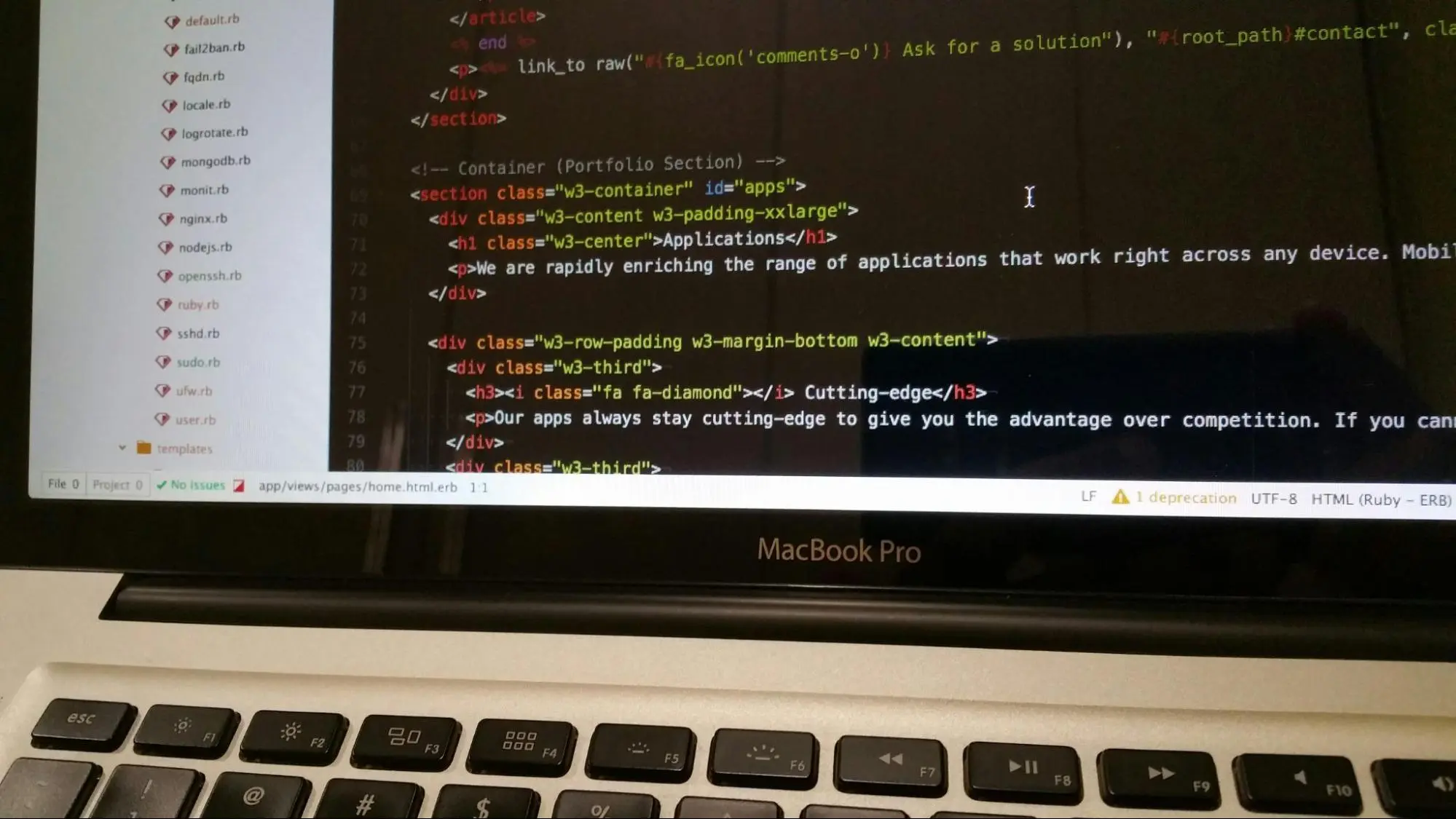
You might be wondering, how does Web App Development support PWA functionality? How does a website suddenly start acting like an app?
It comes down to three technical pillars that developers implement:
Service Workers:
This is the secret sauce. A Service Worker is a script that runs in the background, separate from the web page. It handles caching, which allows the app to load instantly (even without internet) and manages push notifications. It is what makes the app feel “alive” even when the network is dead.
The Web App Manifest:
This is a simple JSON file that tells the browser, “Hey, I’m an app.” It defines how the app looks when launched from the home screen (no URL bar, full-screen experience, specific splash screen colors).HTTPS:
Security isn’t optional here. PWAs require a secure connection to function, ensuring data integrity for both the business and the user.Modern Web App Development for PWAs focuses on a “mobile-first” architecture. Developers aren’t just shrinking a desktop site; they are building an application shell that loads immediately, then populating it with content. This architectural shift is what makes PWAs feel instant.
Can PWAs Outperform Native Apps in UX Design?
This is the controversial question: Can PWAs outperform native apps in UX design?
The short answer is yes, because “performance” is a UX feature.
UI/UX Design for PWA performance centers on the concept of perceived performance. Because PWAs don’t need to be downloaded and installed, the “Time to Interactive” (TTI) is practically zero. A user taps a link and is immediately interacting with your content.
Native apps often have a “clunky” onboarding process: Store, Download, Install, Open, Register. A PWA skips the first three steps completely.
Furthermore, because PWAs are updated automatically on the server side, users never see a “Please Update Your App” screen. They are always on the latest version with the newest features and security patches. This seamlessness creates a user experience that native apps struggle to match simply due to the friction of distribution.
Bringing it to Life: Interactive Design & Animation
If there is one area where native apps held the crown for years, it was smooth animation. The web used to feel “janky” compared to the buttery 60fps of an iPhone app.
However, modern web technologies have caught up. So, what role does Interactive Design & Animation play in PWAs?
It bridges the “trust gap.” Users trust native apps because they respond instantly to touch. When you swipe, it moves. When you tap, it ripples. Interactive Design & Animation in PWAs is critical for mimicking this tactile feel.
Using tools like CSS Grid, WebGL, and Lottie files, designers can now implement complex micro-interactions, like a heart icon exploding with color when liked or a smooth slide-over transition when changing pages, without bogging down the browser.
These aren’t just decorations. They provide necessary feedback loops. When a user adds an item to their cart in a PWA, a subtle animation confirms the action. This feedback reduces cognitive load and assures the user that the “website” is robust enough to handle their transaction securely.
The Verdict

The line between “web site” and “mobile app” is blurring, and PWAs are the eraser. They offer the reach of the web with the engagement of an app.
For businesses, the math is becoming undeniable. Why spend $50,000+ developing two separate native apps when you can build one PWA that reaches everyone, ranks on Google, and converts higher?
If you are seeing high drop-off rates on your mobile site or low download numbers for your native app, it’s time to stop blaming the user and start looking at your technology stack.
Are you ready to turn your mobile traffic into loyal users? Let’s audit your current mobile experience and see if a PWA is the growth lever you’ve been missing.
Book an appointment